For furniture makers
A 3D configurator for the furniture you make
Buyers choose dimensions and storage, see the piece and an estimated price. Your sales team receives a saved design to start the order conversation with.
The example works without an account
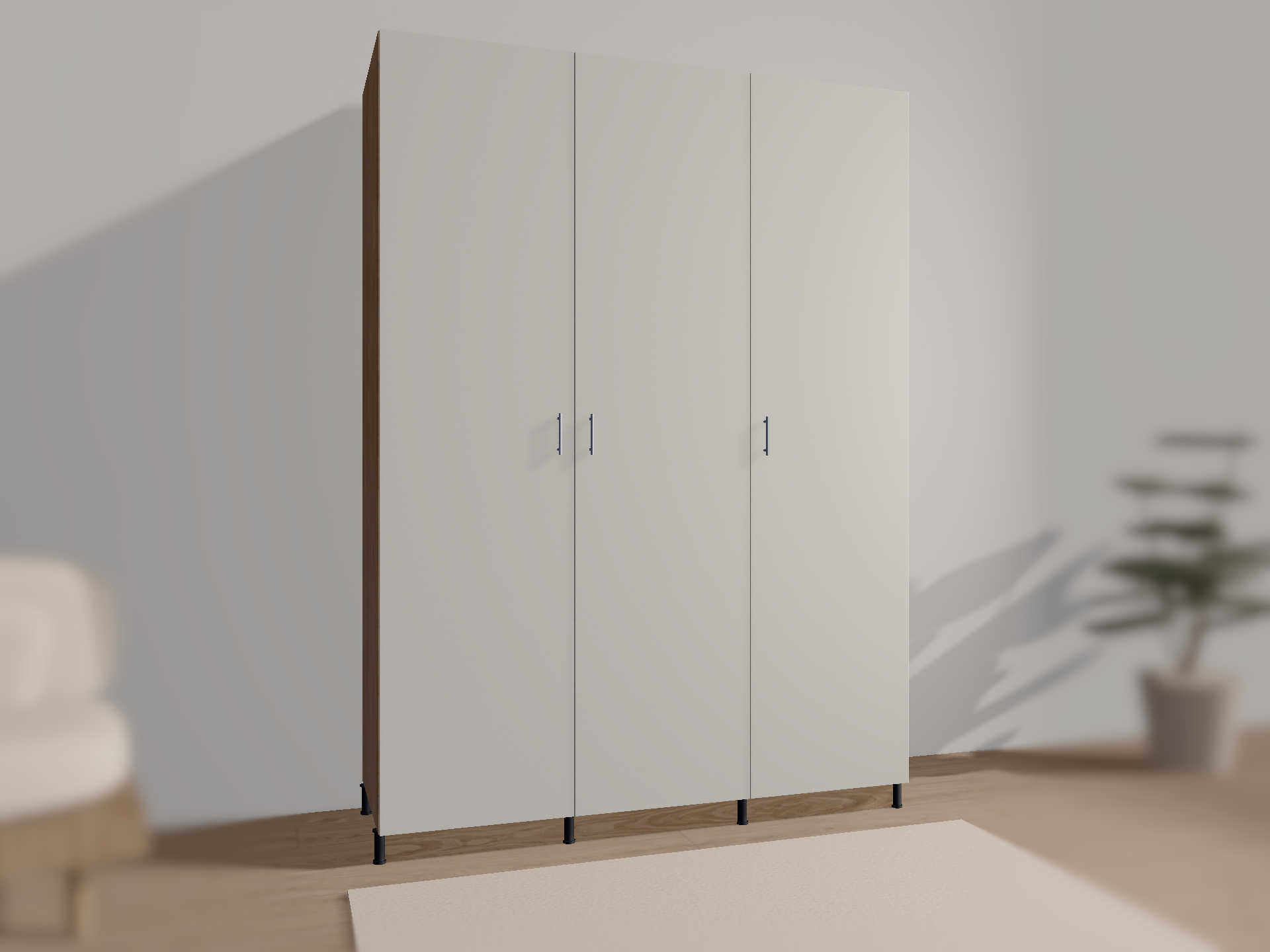
01One model behind every view
Change the width — the whole design follows
Drag a dimension on the drawing or move the slider. Select a bay and swap shelves for a rail or drawers. The price, part sizes and sheet layout are recalculated, and the 3D view, assembly and documents on this page show the same edited version.
- Overall size
- 1800 × 2400 × 600 mm
- Estimated price
- 124,500 ₽
- Part
- Updating…
- Cutting
- 7 sheets
This is a working model. Continue with your changes in the full configurator.
Continue this design02Assembly instructions
See what to do. And in which order.
The steps are built from the current model, with your dimensions and interior. Assemble the carcass lying down, then stand it up; build drawers separately and fit them onto runners. Pause, repeat and inspect every step from another angle.
Carcass first. Interior next.
Drawers are assembled separately, then installed. Open the instructions to follow each step.
Fixings and drilling depend on the selected hardware and installation conditions.
03Production documents
Part drawings and sheet layouts
Select a part to see its drawing with dimensions and confirmed holes. Beside it is the sheet layout of the same design. The full set adds the parts list, edging, hardware, joints and operations; tables print and export as CSV.
Demonstration data. Manufacturing requires an engineering review and the maker’s production data.
View the documents ↗Wardrobe parts list
Confirmed holes are shown. The full set identifies unconfirmed operations and explains why.
Chipboard 18 · sheet 1
The layout is illustrative: 4 mm kerf, 10 mm edge trim. It is a preliminary layout of the current model, not a machine cutting map: the document set does not include a Cutting sheet yet.
Continue this design in the configurator04Warnings with a solution
Wider than the niche? Korpus offers a width
Enter a niche narrower than the wardrobe. Korpus shows how much space is missing, including clearances, and offers a width that fits. One action brings the drawing, model, price and documents back into agreement.
Niche width check
The wardrobe does not fit
Niche: 1700 mm; needs ≥ 1840 mm: cabinet 1800 mm + 20 mm each side (demo allowance). Short by 140 mm.
For furniture makers
What your production gets
The wardrobe on this page is a working example: buyers configure and save a design, engineers open its parts and checks. An integration adapts Korpus to your production.
Catalogue and branding
Your products, materials, finishes and hardware. The configurator in your brand on your website.
Your prices
The estimate uses your price list instead of demonstration prices.
Construction rules
Allowed sizes and steps, clearances, edging, fixings and drilling. Buyers choose only what you make.
Designs in your system
A saved design — with its exact revision, parts and estimate — goes to your CRM or ERP. The connection is agreed for your system.
The wardrobe example works today. Other furniture, such as kitchens, and a connection to a specific system are developed as part of an integration.
Discuss an integrationWorking together
Tell us what furniture you make
Korpus Model is developed by Anonima Studio. You write directly to the author of Korpus and owner of the studio. Describe your products and where buyers should configure them, and we will discuss how to start.
Anonima Studio